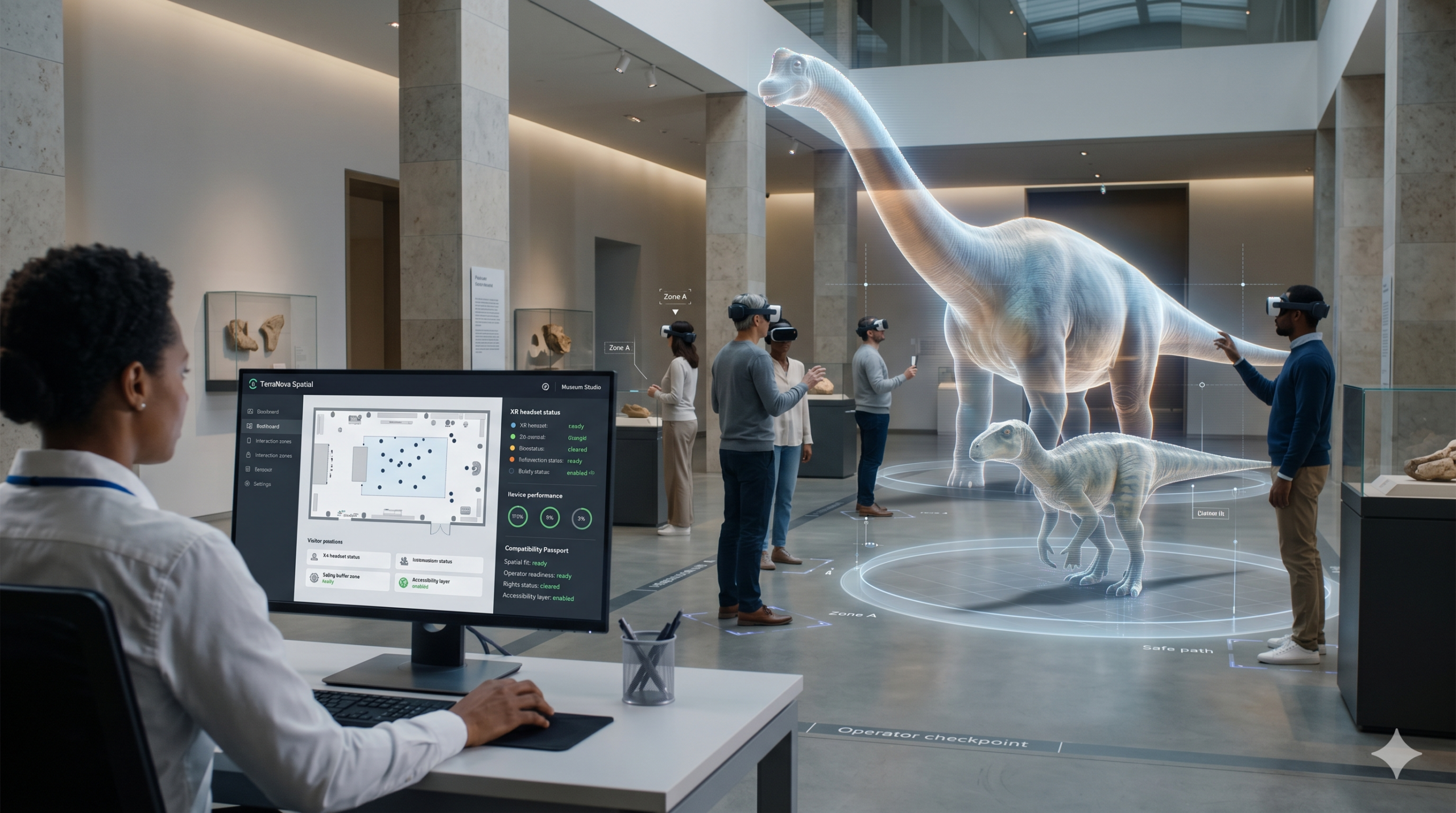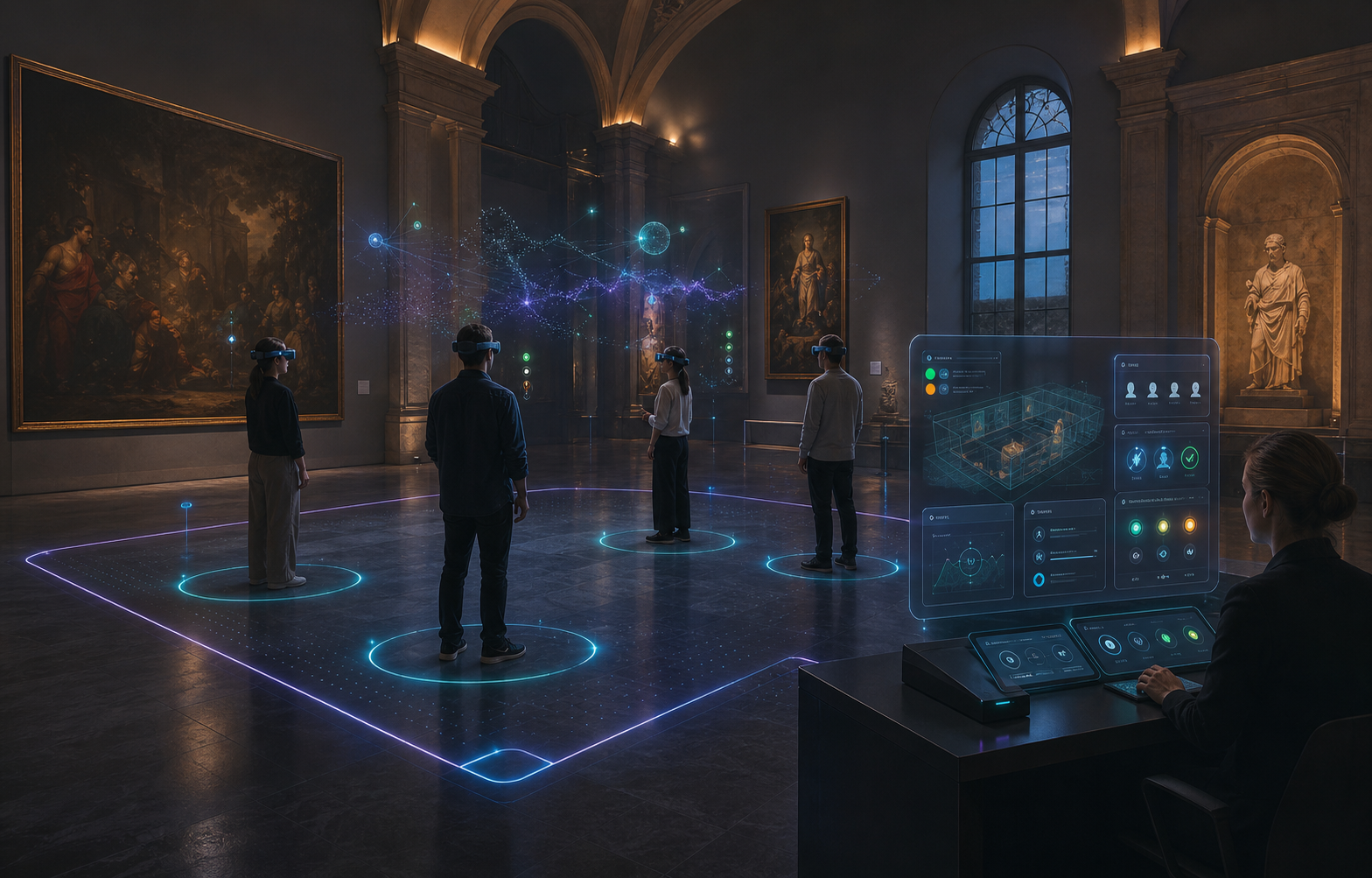
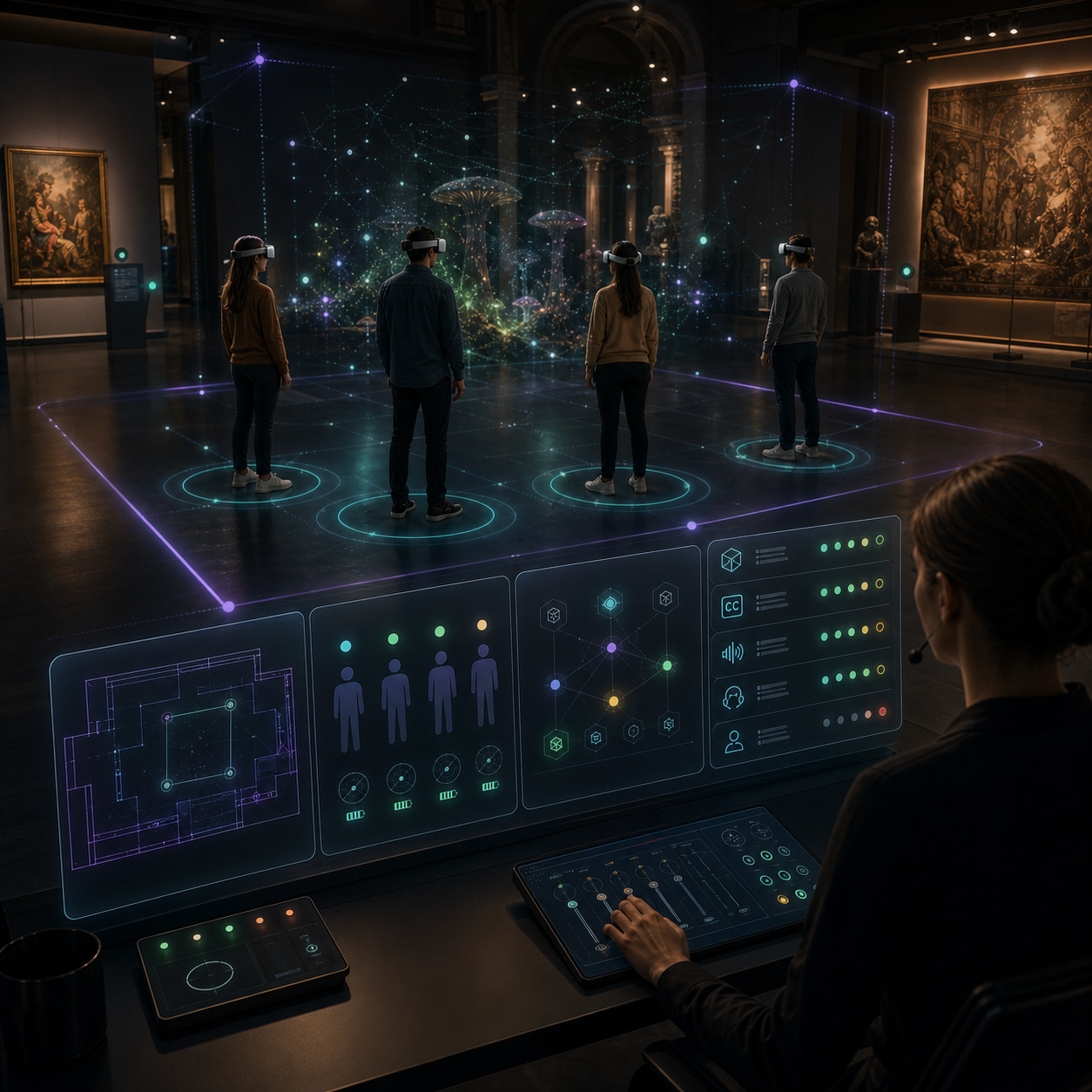
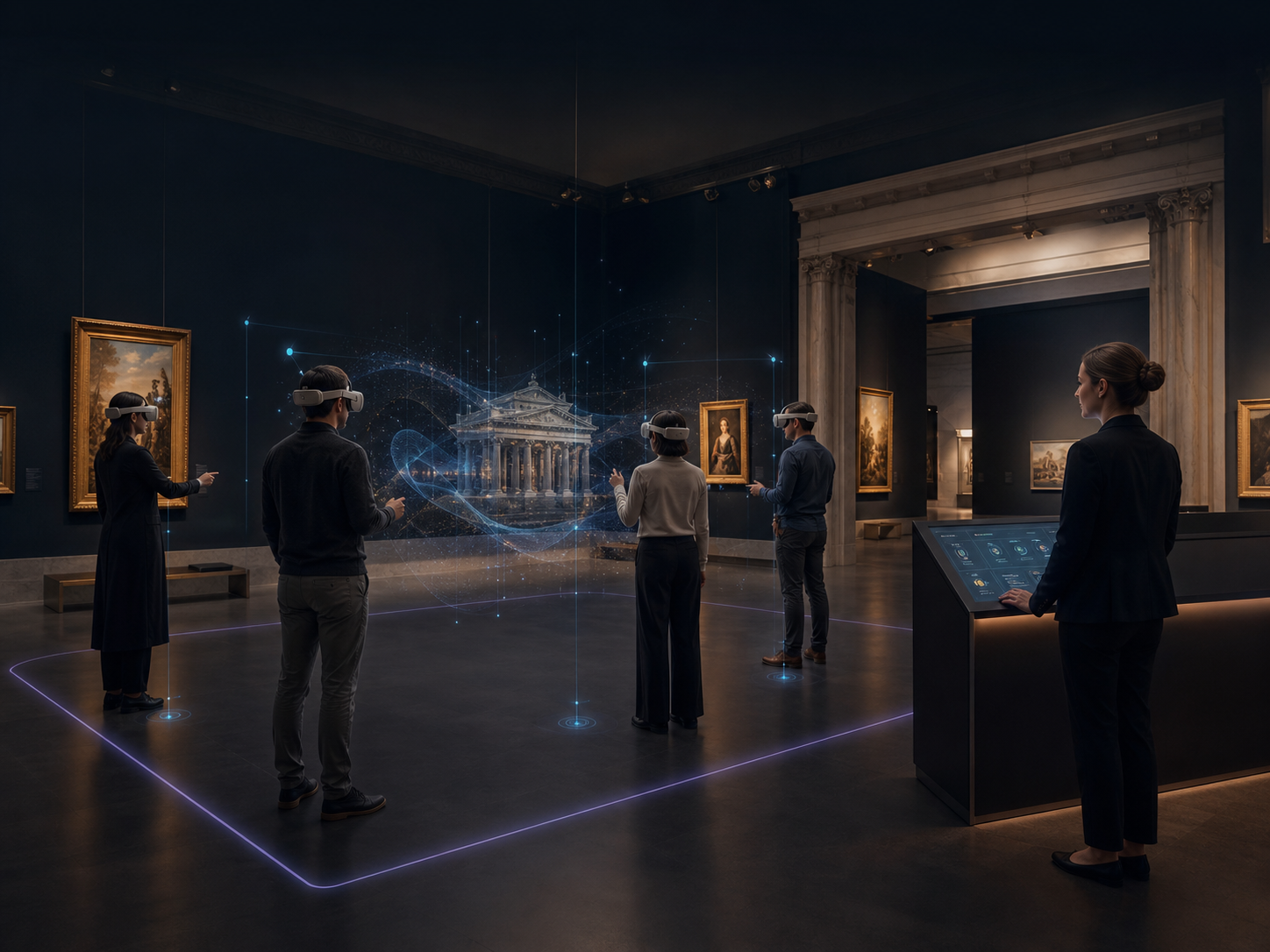
Museum staff guiding a shared immersive session with several visitors
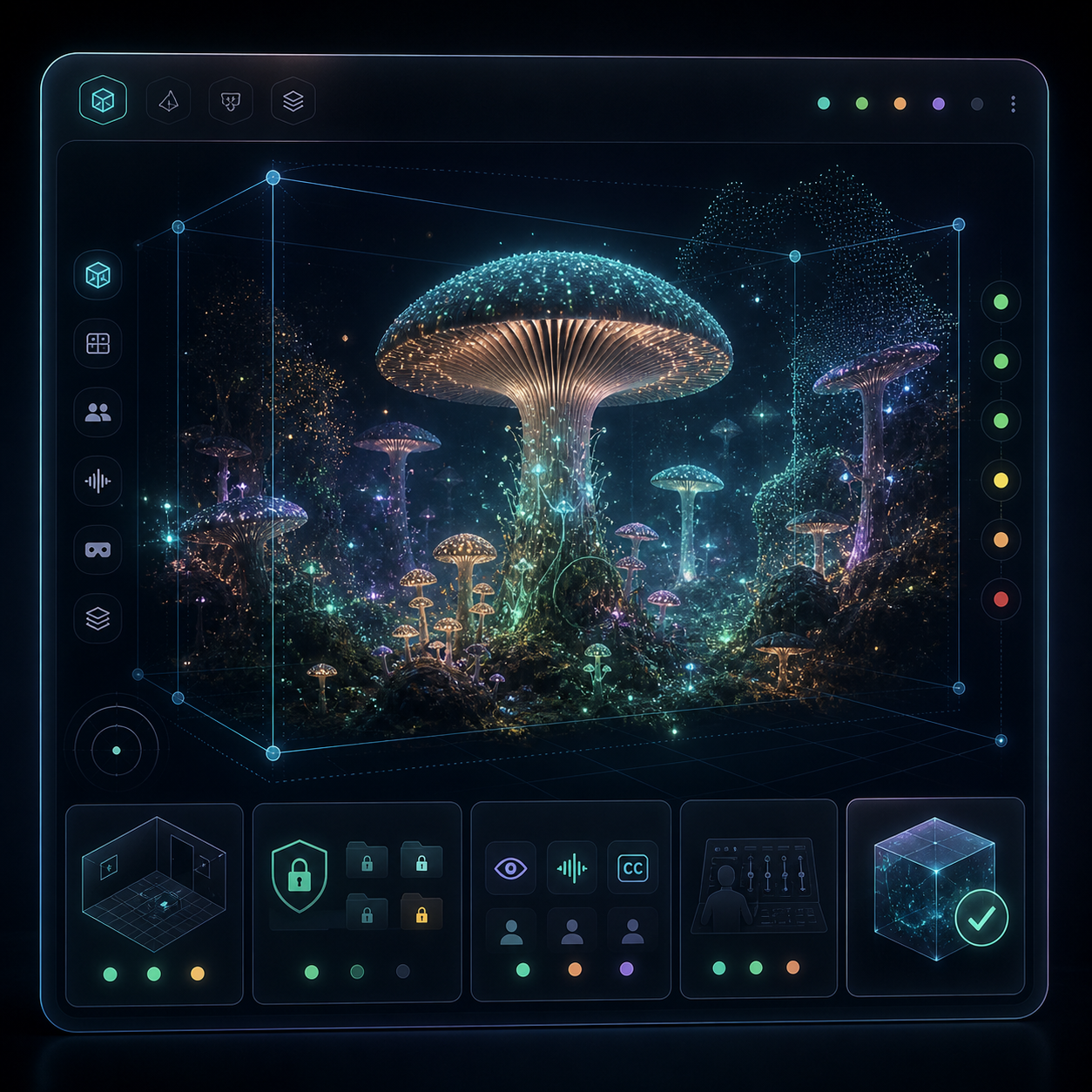
Preview of an immersive world prepared for a museum setting
● 4 visitors · staff-led
Shared scene · ready for the room
EN · DE · ES · captions on
Audiovisual · Museums · Immersive spaces · Shared visits

From a creative idea
to a museum-ready visit.

TerraNova Spatial helps museums and audiovisual creators plan, test and license immersive experiences that work in real cultural spaces. Museum Studio, Creator SDK and the Compatibility Passport keep room fit, access needs, rights information and staff instructions in one practical package.

Beta · v0.9 Creators + museums Museum Studio Creator SDK Compatibility Passport EN · DE · ES
Why it matters

The first deployment is not the hard part. The second venue is.

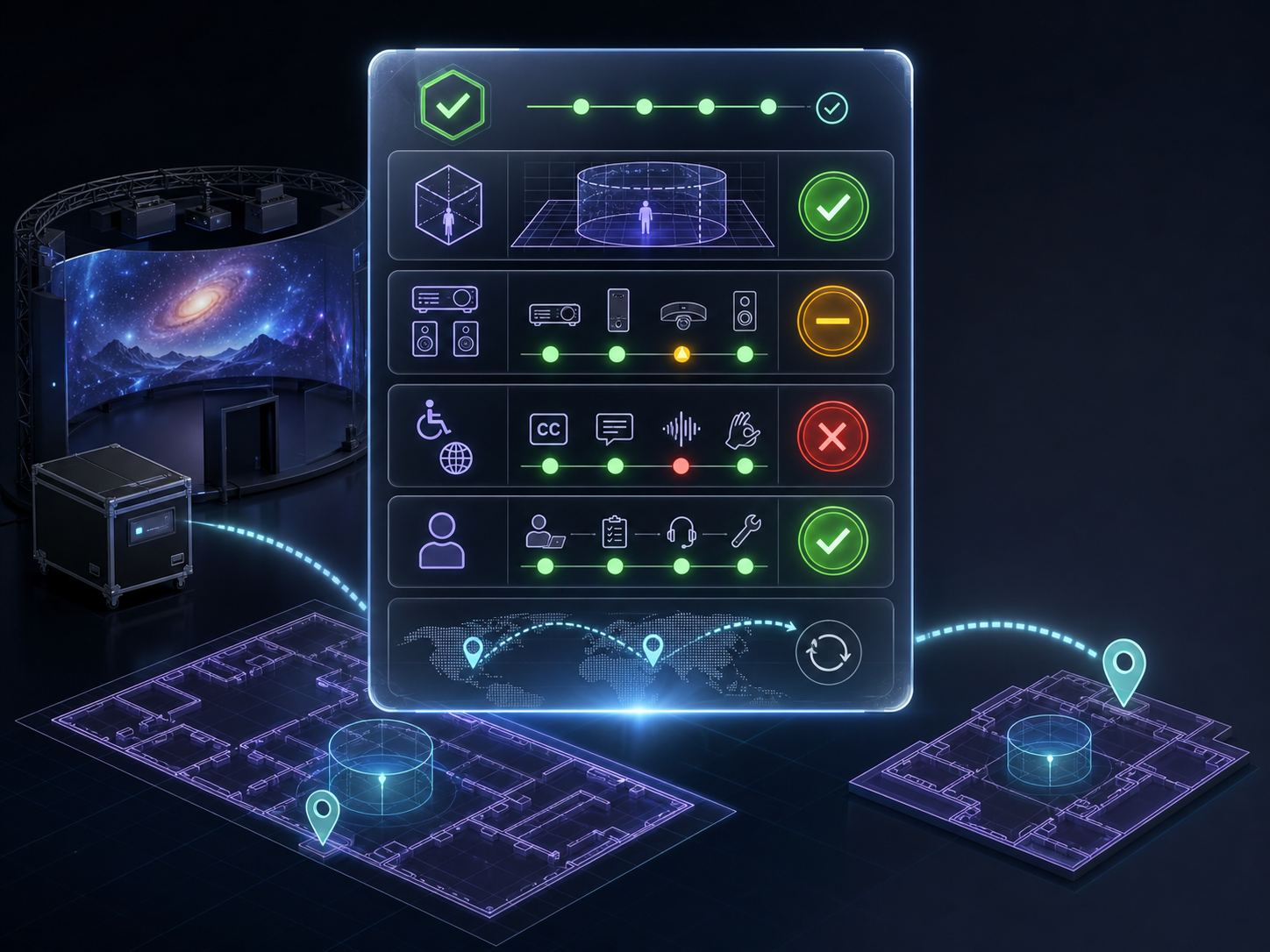
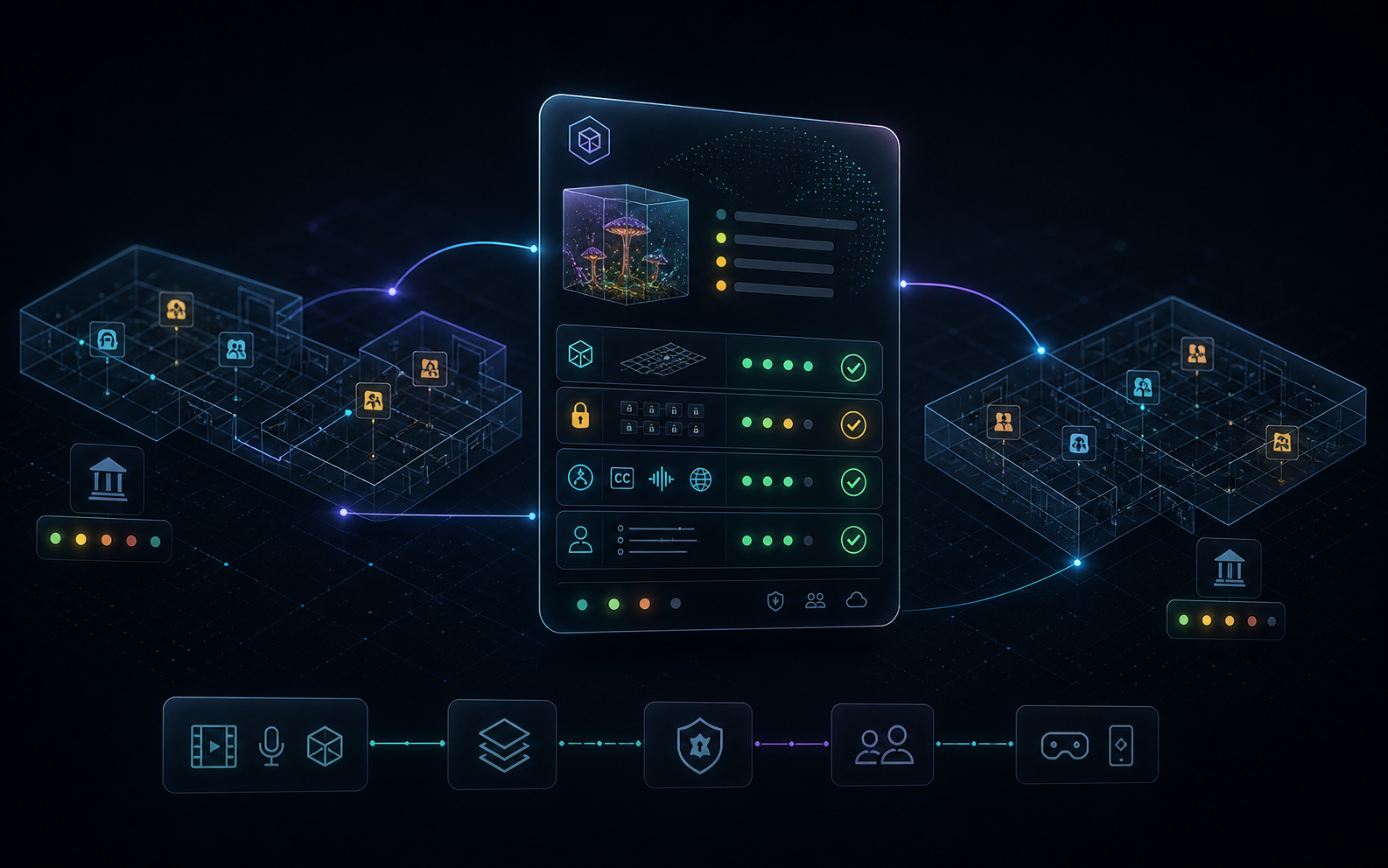
When an immersive work moves to another museum, the same questions come back: will it fit the room, who can use it, what rights are cleared, how do staff run it, and what happens if something goes wrong? TerraNova keeps these answers in one Compatibility Passport, so teams do not have to start again each time.

Room fitspace · visitor flow · devices
Rights statususe scope · dates · locations
Access layerscaptions · audio description · comfort
Staff-readysetup notes · guidance · fallback steps
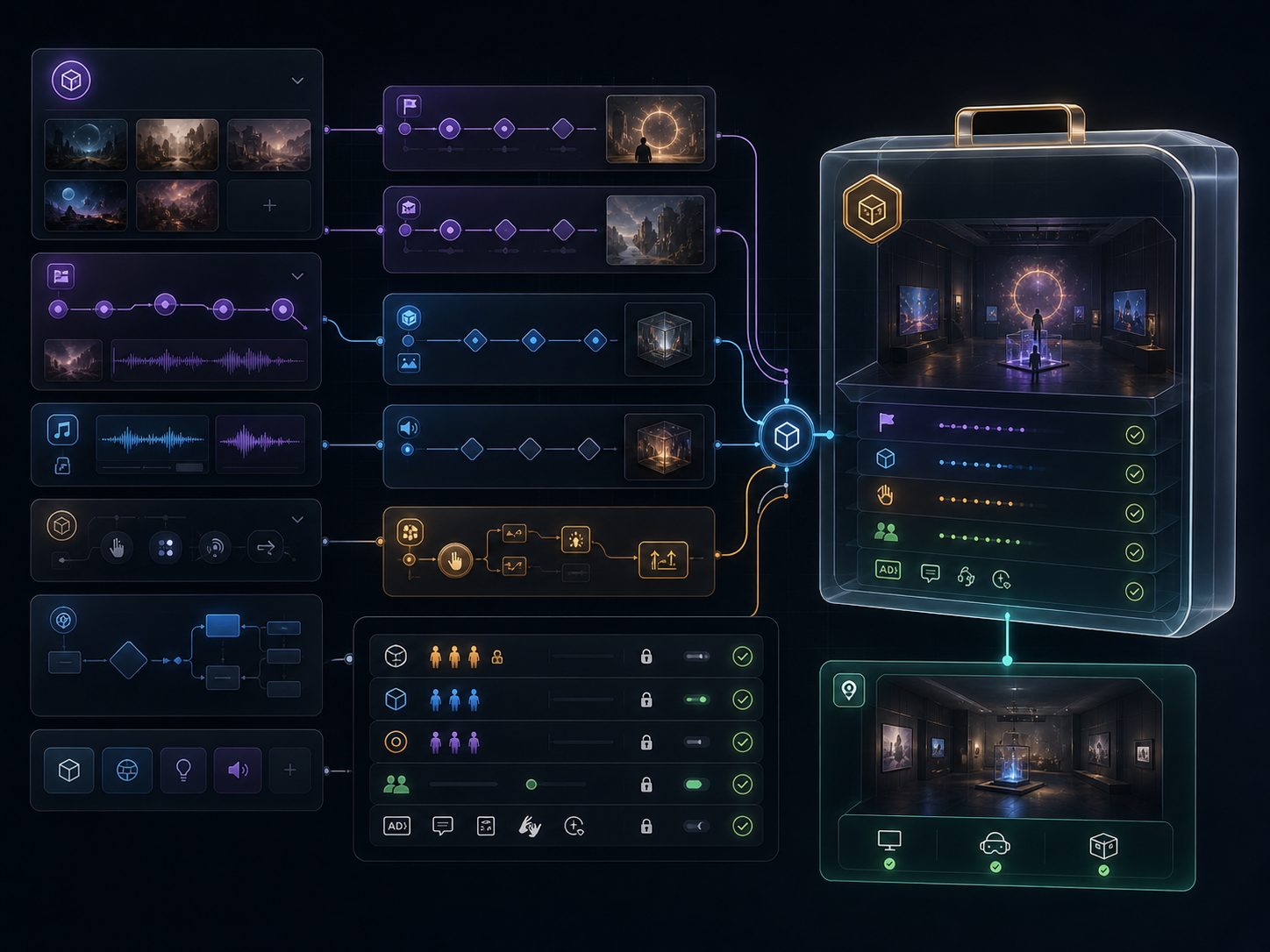
Workflow showing room fit, rights, accessibility and staff readiness checks
How TerraNova works

Import the venue. Shape the story. Check the passport. Run the visit.

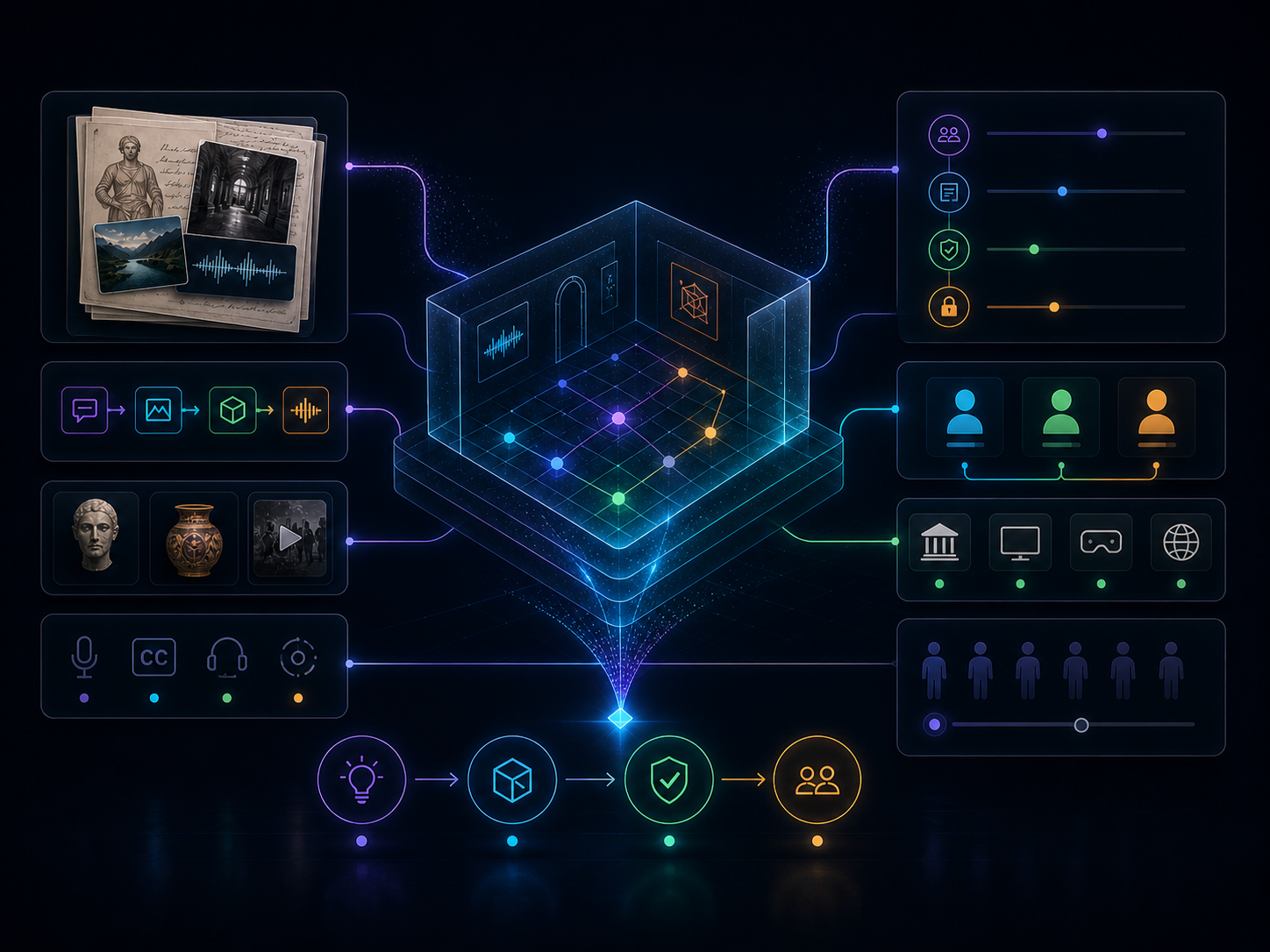
TerraNova helps teams understand the room, place media, check access and rights, and prepare a clear package that staff can run. When the work travels to another site, the team starts from a tested setup, not a blank page.

A museum or creator brief becoming a clear experience plan
01
Define the brief
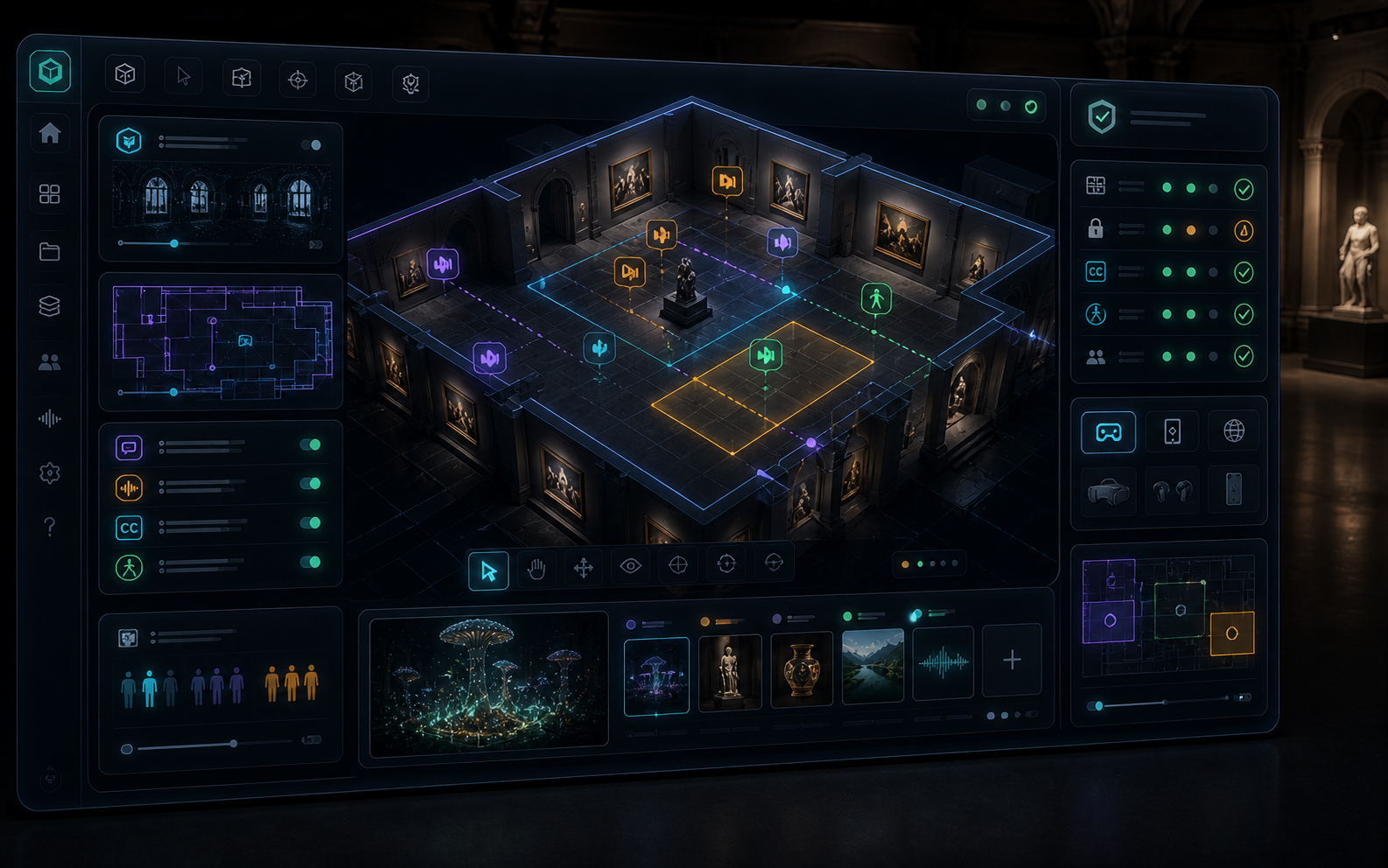
Museum Studio interface for preparing an immersive visit Museum Studio
02
Set up the space
Creator SDK preparing an immersive work for museum use Creator SDK
03
Check & package
Shared immersive session with visitors and a museum operator Live · shared visit
04
Run the session
A
B
C
+1
What it is

A creator-to-museum toolkit for stories in real spaces.

TerraNova connects spatial technology with cultural storytelling. It helps museums and audiovisual creators use real venues, media assets and visitor routes to prepare immersive experiences that can be reused in other places. It can work with venue scans, 3D captures and WebXR-ready delivery.

guided visitors per shared scene
EN·DE·ESlanguage layers built in
2nd sitereuse and adaptation check
WebXRheadset · browser · AR ready
Overview of how venue data, media, checks and deployment packages connect
The platform

Three tools, one practical package.

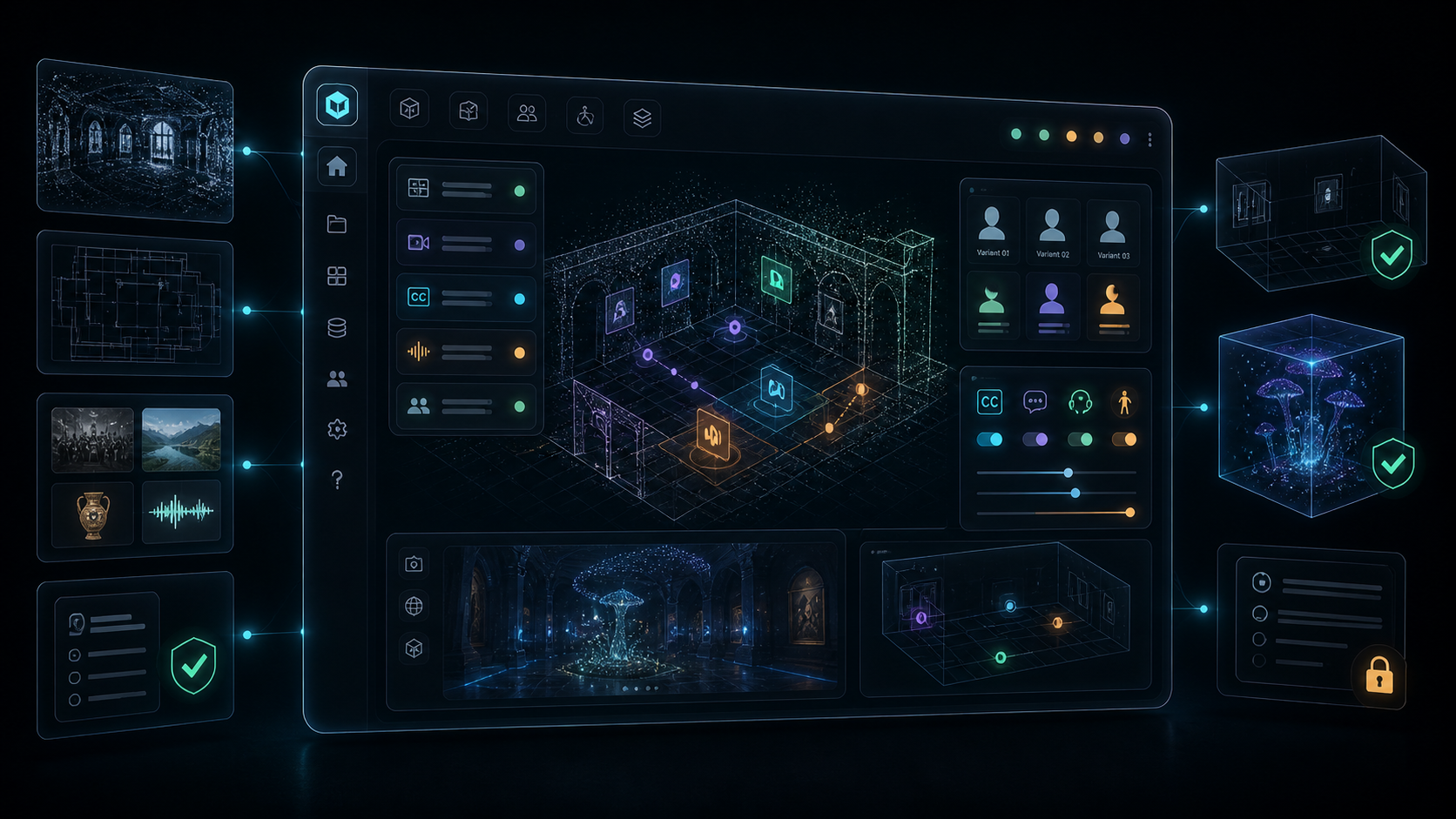
Museum Studio interface for planning and checking an immersive museum visit
01 · Authoring

Museum Studio

A guided editor for museum and cultural teams. Import the room, place media, define visitor versions and access layers, check the setup and export an experience that staff can run with confidence.

  • Venue models based on scans or plans
  • Audio, captions and language layers
  • Family · school · multilingual versions
Creator SDK interface for preparing immersive work for museum circulation
02 · Production

Creator SDK

For artists, studios and audiovisual creators. Link story moments to spatial zones, interaction choices, access needs and rights information, then prepare the work for use in museum and cultural venues.

  • Reusable story logic and scene beats
  • Rights-aware media record
  • Preview for second-site adaptation
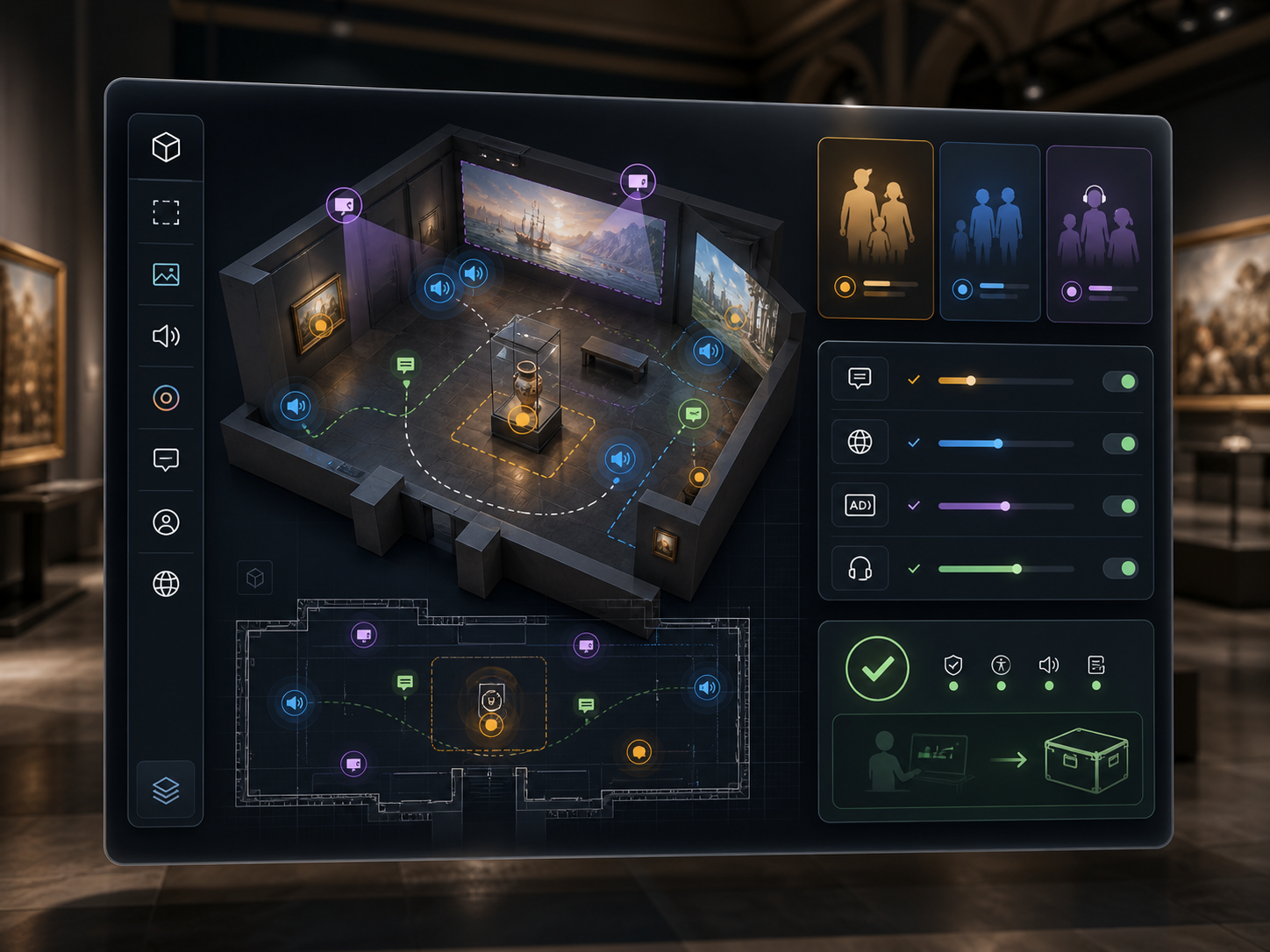
Compatibility Passport showing whether an immersive experience is ready for a venue
03 · Portability

Compatibility Passport

Each experience travels with a clear record: room fit, device needs, access layers, rights status and staff guidance. Green, amber or red before the team commits to deployment.

  • Room fit · device needs
  • Rights status · captions · audio description
  • Record of use across venues
Worlds in preparation

Bring real places into the workflow. Prepare cultural worlds. Share them with visitors.

From heritage scans and photogrammetry to assisted scene setup, TerraNova helps teams turn cultural spaces and digital material into shared, supervised museum sessions.

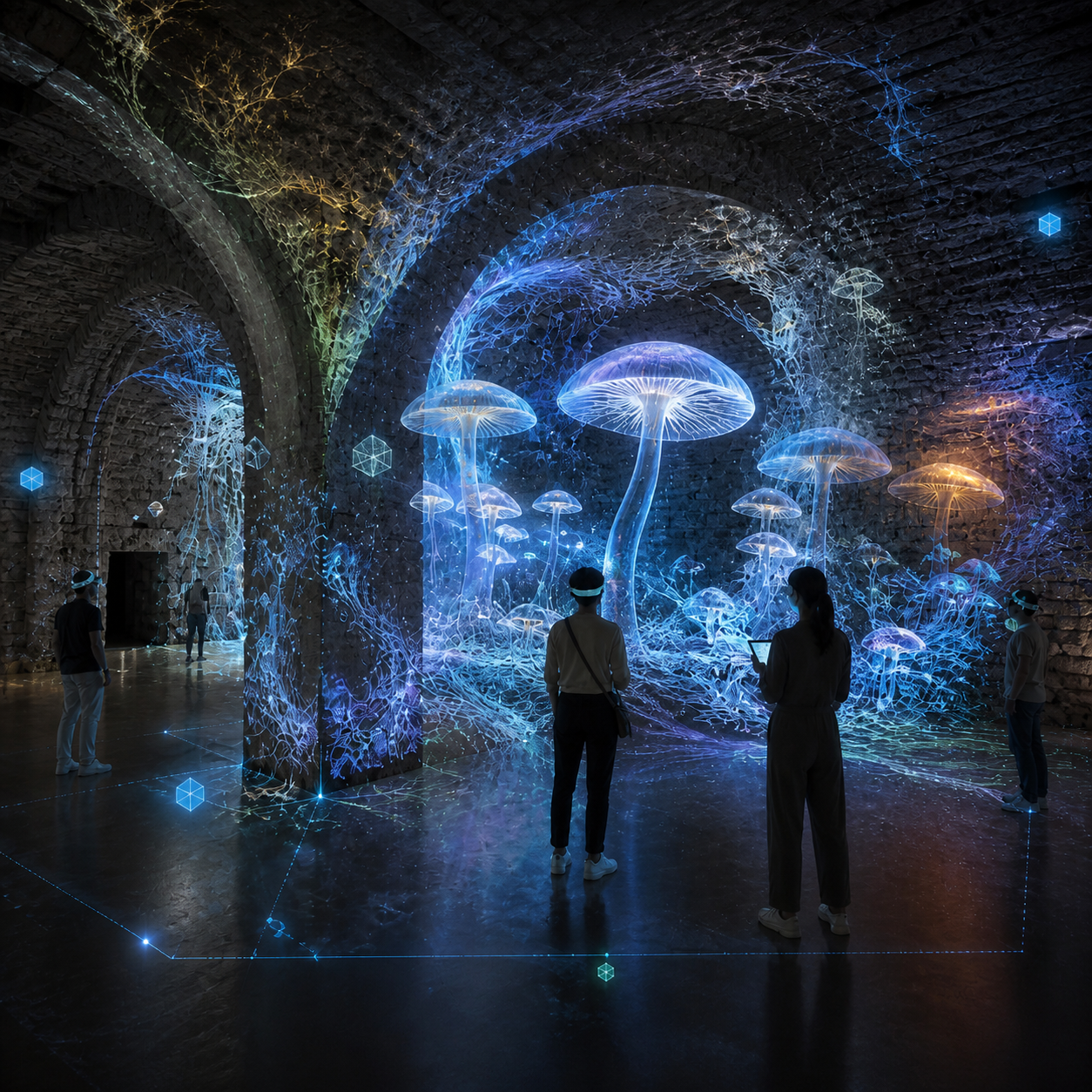
Immersive mycelium world prepared as a museum test scene
test session
Mycelium I 3D scene · museum test
02:34 live
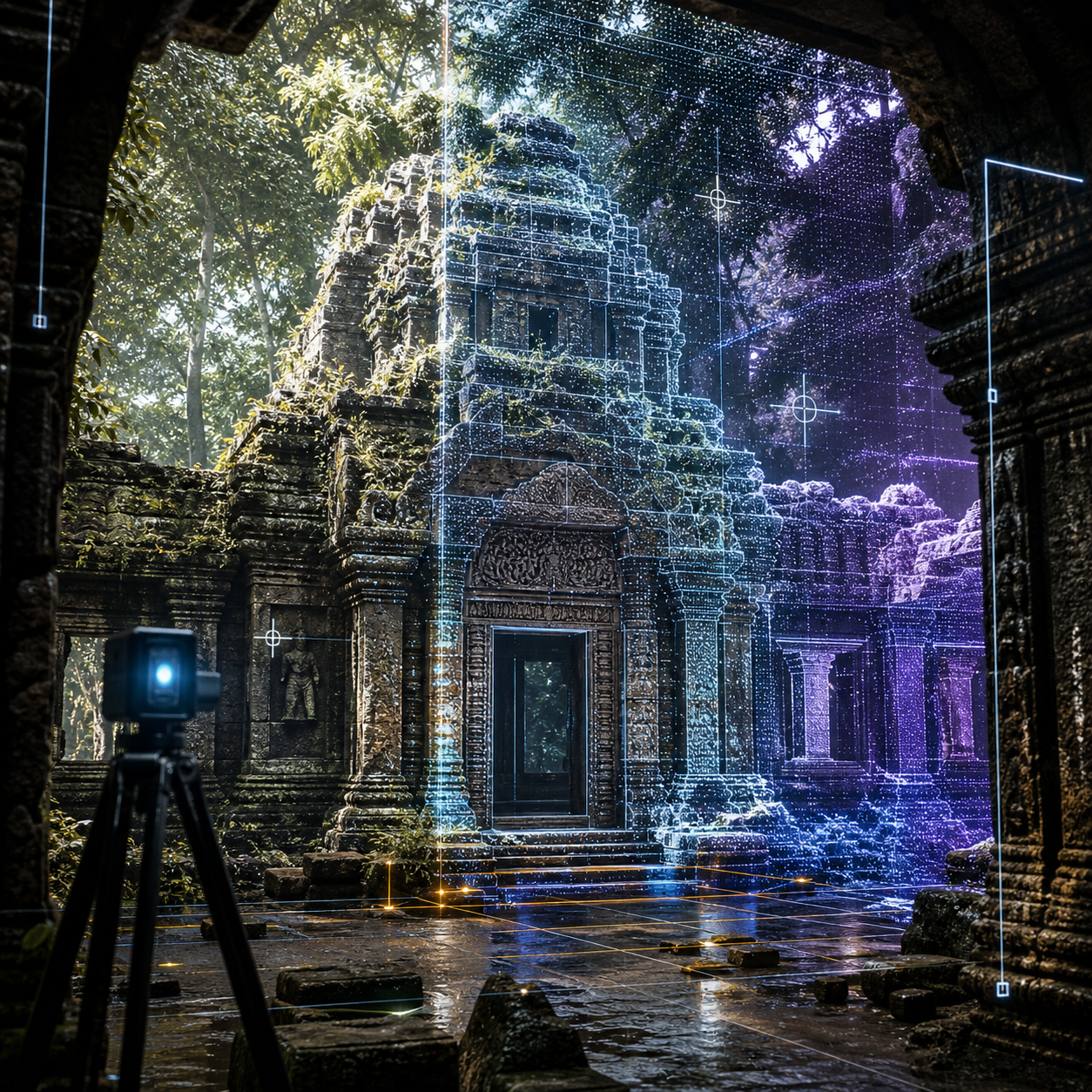
Heritage temple scene prepared for an immersive museum experience
heritage
Jungle templePrepared scene
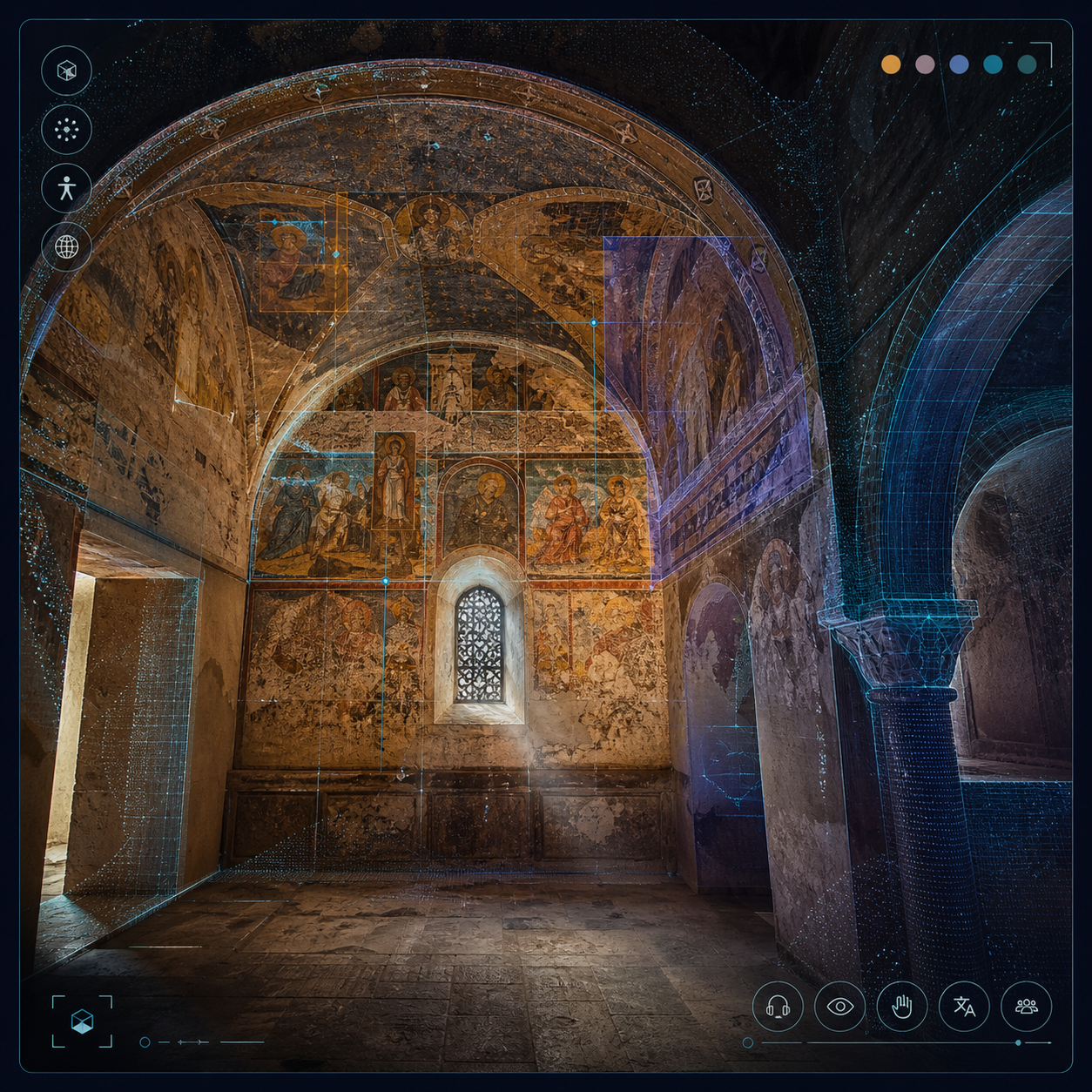
Historic fresco interior captured for cultural interpretation
cathedral
Asinou frescoesPhotogrammetry
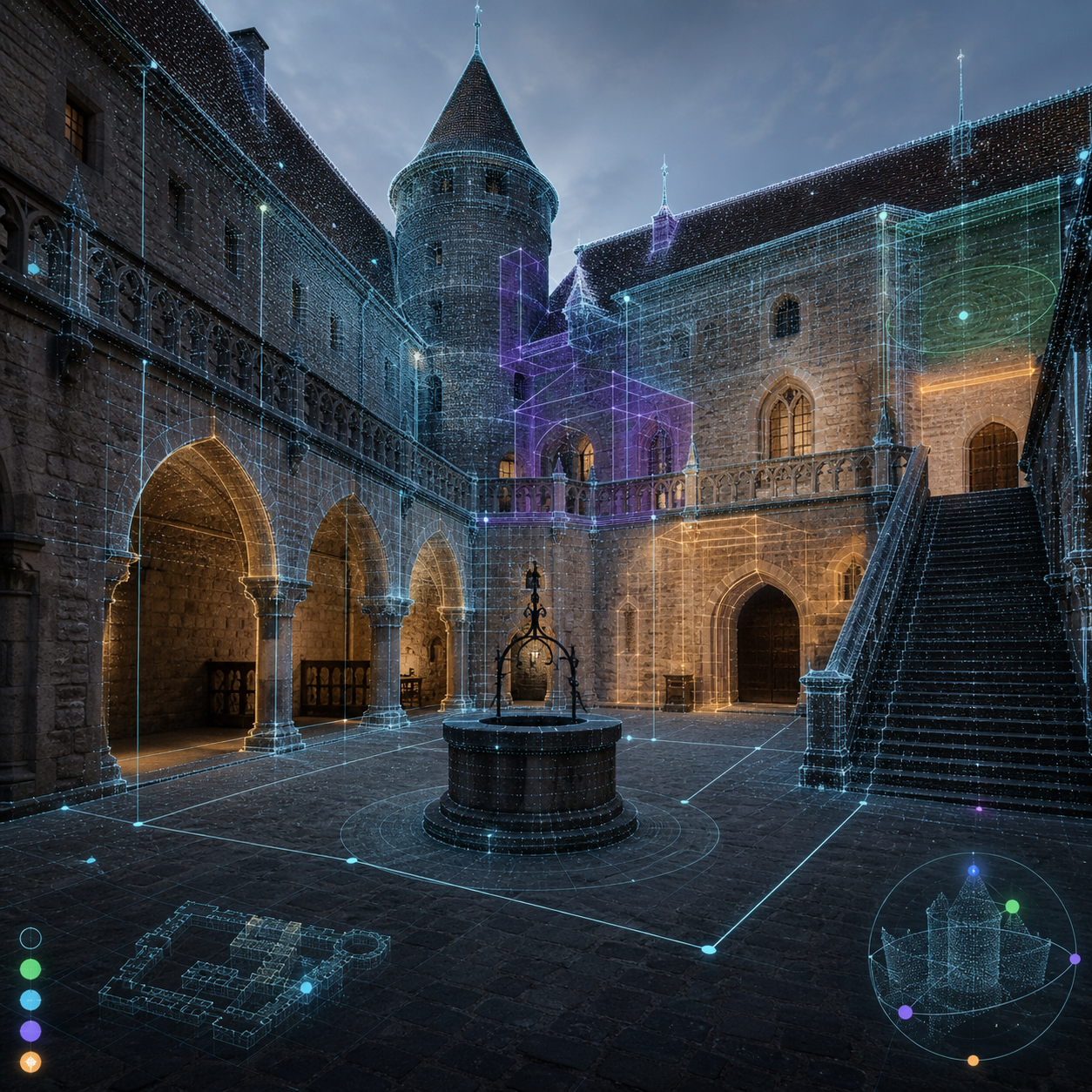
Castle scan prepared as a reusable heritage scene
venue
Castello de MontiDetailed scan
Generated aurora landscape prepared for a supervised museum session
generative
Aurora ridgePrepared scene
Shared XR sessions

Same room. Same scene. Shared attention.

The challenge is not only showing a digital world. It is helping a family, a school group or multilingual visitors stay together in the same experience, while staff can guide the visit and keep things under control.

Four visitors taking part in the same guided immersive museum session
4 visitors · operator
01
Staff-led and ready for visitors.

Teams can load scenes, guide transitions, check devices and support visitor comfort from a clear control point.

02
Access layers built in.

Captions, audio description, low-motion modes and educator notes can be prepared for different visitor groups.

03
Made to travel between venues.

The Compatibility Passport keeps room fit, rights status, access needs, staff notes and second-site checks together.

04
Works across several formats.

One prepared package can support WebXR, compatible headsets or browser-based AR, depending on the venue setup.

From venue import to first guided test

Four steps. One checked workflow.

A simple onboarding path, from bringing in the venue to running the first supervised visitor session.

i.

Add the venue

Bring in a SCENE capture, photogrammetry model, floor plan or hand-modelled room. Studio helps define the usable space.

guided setup
ii.

Place media and paths

Add testimonies, film clips, 3D objects, captions, audio layers and access routes onto the visitor plan.

configuration
iii.

Check the passport

Room fit, access needs, rights status, device setup and staff readiness are marked green, amber or red before deployment.

automated + human review
iv.

Run a shared visit

Staff open the session, visitors join, and the group experiences the same scene together in the same room.

live · shared session
Currently in beta

Bring a venue, a work, or a cultural brief. Test how it travels.

We are onboarding a small first group of museums, museum networks, XR studios and audiovisual creators. Bring an existing work, a room or a cultural brief — and see how it can become a portable, rights-aware immersive package for real venues.